Bills Batch Posting
Bills Batch Posting
Overview
This screen will show any AP Bills that have not yet been posting. Posting is required to complete the AP Bill process. This screen is generally used to quickly determine if any bills have not been posted, and post them if they have not yet been.
Screen Location - Main Menu > Accounts Payable > Batch Posting
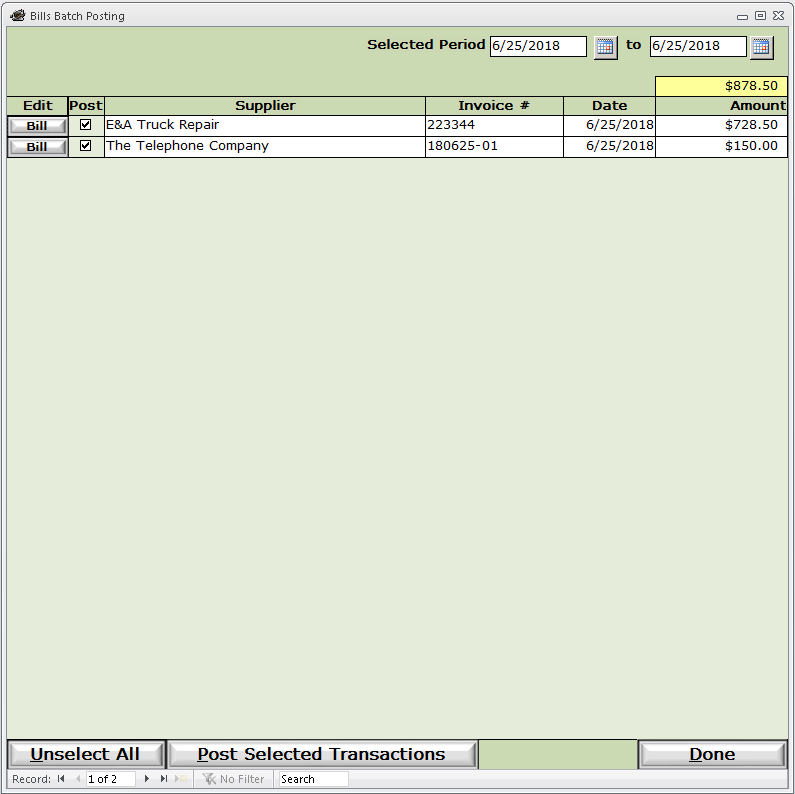
Selected Period - This is the range of dates that will be checked for all unposted AP Bills. Unless you change it, the range will be from the date of the first unposted bill to the most recent unposted bill.
Bill button - Click to open the AP Bill.
Post checkbox - Click either each line individually or click the Select All / Unselect All button at the bottom of the screen.
Once the items are selected, click Post Selected Transactions to post the selected AP Bills.