Financial Periods - Create New
Financial Periods
2 views
Jun 10, 2026
Updated Sep 01, 2026
Financial Periods - Create New
Screen Location - Main Menu > Accounting > Financial Periods
- Double Click the menu item to open the Financial Periods window.
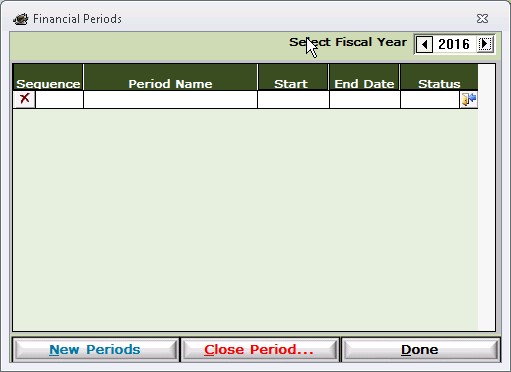
- Select the Fiscal Year in which to create the Financial Periods (Upper Right Corner)
- Click the New Periods button.
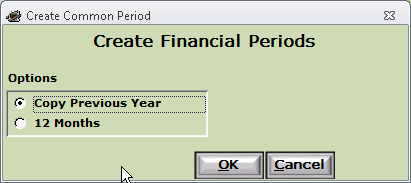
- Select either Copy Previous Year or 12 Months
- Note: If you select 12 Months you will need to select the starting month.
- Click OK to create the new Financial Periods
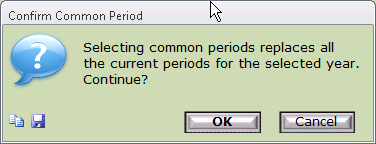
- Please verify that you are creating new Financial Periods
- Note: This will replace any existing Financial Periods already created for the year selected above. It will not impact the General Ledger.
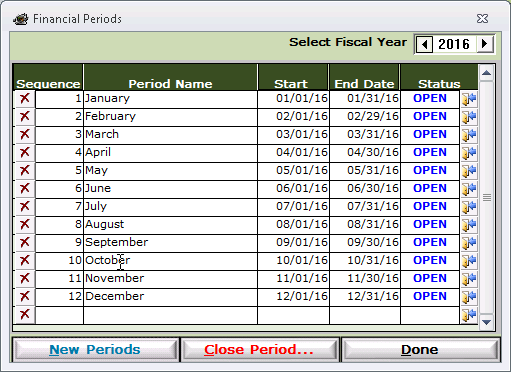
- Verify the Start and End Dates for each period
- Click Done